
Ride A Pet Scripts
🥚 Auto Collect | 📦 Auto Place | 🐣 Auto Hatch | 👁️ Egg ESP | 🔄 Auto Rebirth
Get the latest Ride A Pet Script options with automation features designed around egg collection, placement, hatching, pet management, and progression.
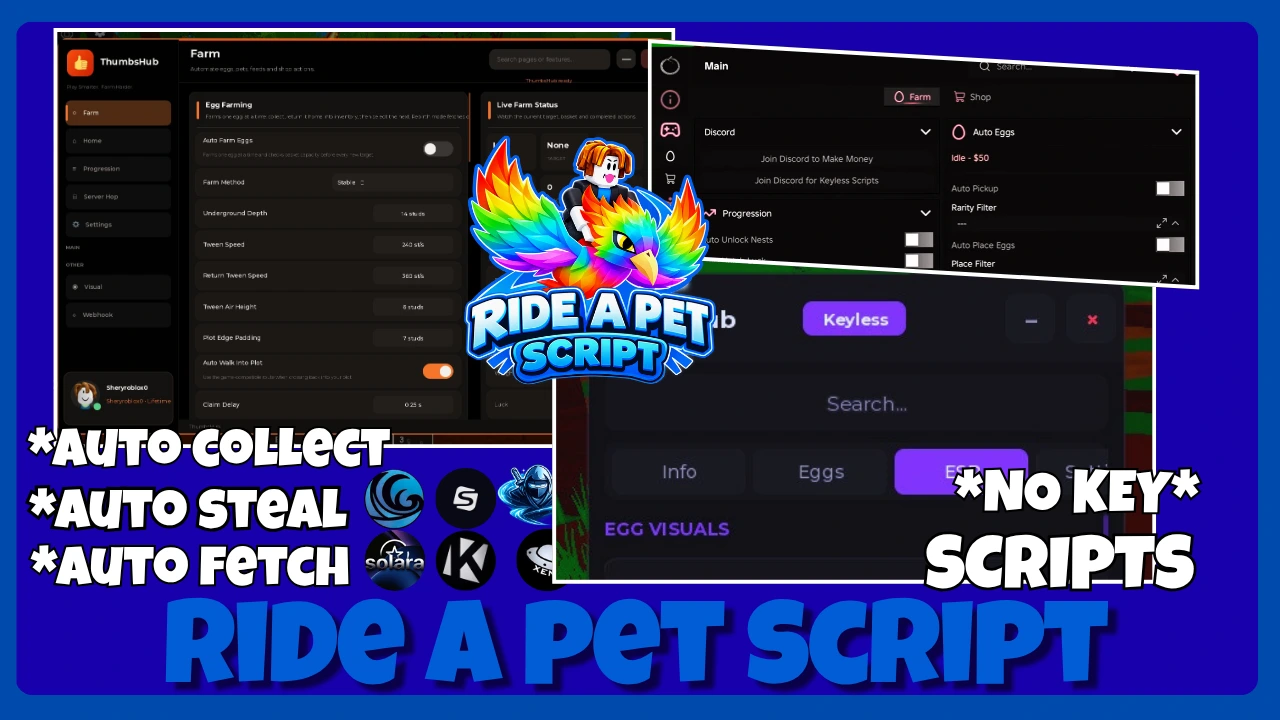
Ride A Pet is a Roblox simulation game where players find eggs around the map, hatch them into pets, and use faster pets to reach rarer eggs. The game currently supports desktop, console, mobile, and tablet players.
Latest Ride A Pet Scripts 2026
Ride A Pet has a growing collection of community-made scripts, with different hubs focusing on egg farming, pet management, movement, or a combination of these features.
Zanji hub
loadstring(game:HttpGet("https://raw.githubusercontent.com/jr0nzz/rap/refs/heads/main/rap.lua"))()
Mystrix Hub
loadstring(game:HttpGet("https://raw.githubusercontent.com/ummarxfarooq/mystrix-hub/refs/heads/main/loader"))()
Thumbs hub
loadstring(game:HttpGet("https://api.luarmor.net/files/v4/loaders/7a310d875453e7adb4fe6046e3ab0af9.lua"))()
Blyxo hub
loadstring(game:HttpGet("https://flowauth.net/v1/loaders/1d8892dc79719bebaad7bac289e338c9.lua"))()
XyronHub
loadstring(game:HttpGet("https://raw.githubusercontent.com/vikrantsudo/XyronHub/refs/heads/main/RideAPet"))()
IVORY HUB
loadstring(game:HttpGet("https://jnkie.com/loaders/ivory"))()
ouroboros
loadstring(game:HttpGet("https://raw.githubusercontent.com/joustingmatch/Ouroboros/main/loader.lua"))()
Akazhub
loadstring(game:HttpGet("https://akazhub.netlify.app/script.lua"))()
A7Dev Hub
loadstring(game:HttpGet("https://raw.githubusercontent.com/moa456811-prog/roblox-hubs/main/hubs/ride-a-pet/Hub.lua"))()
ThiAez HUB
loadstring(game:HttpGet("https://raw.githubusercontent.com/GZSSF/RideAPetV2/refs/heads/main/RideAPetV2"))()
Nemo Hub
loadstring(game:HttpGet("https://raw.githubusercontent.com/NemoScripts/NemoHubGames/refs/heads/main/besthub"))()
Delta Ride A Pet
loadstring(game:HttpGet("https://synex.lat/loaders/ride-a-pet.lua"))()
snowy hub
loadstring(game:HttpGet("https://flowauth.net/v1/ui/a87f00d9adf63658655fcd02ab86a4ef.lua"))()
Script of J
loadstring(game:HttpGet("https://pastebin.com/raw/EJUc2EQ6"))()
How to Run Ride A Pet Script in Roblox (Step-by-Step)
Running a script usually involves preparing a compatible environment, joining the game, and loading the script through that environment.
The exact interface can be different between tools, so the buttons and names shown below may not look identical on every setup.
Step 1: Join Ride A Pet
Open Roblox and enter the official Ride A Pet experience.
Wait until the map has completely loaded before starting the script. This gives the script access to the game objects it needs.
Step 2: Prepare Your Script Environment
Make sure your chosen execution environment is compatible with the current Roblox version.
Avoid using random executors or modified downloads from unknown sources, especially if they request account information.
Step 3: Load the Script
Copy the current Ride A Pet script from a source you trust.
Paste it into your prepared execution environment and check that you are using the latest available version.
Step 4: Start With Basic Farming
After the interface appears, begin with one simple option such as egg collection.
Testing one feature first makes it easier to see whether the script is actually communicating with the game correctly.
Step 5: Select Your Egg Settings
If the script includes egg filters, choose the types or rarities you want it to target.
Using broad settings initially can help prevent the script from ignoring available eggs.
Step 6: Enable Automation
Turn on the farming options you actually need.
Depending on the hub, this could include Auto Collect, Auto Place, Auto Hatch, or another combined farming mode.
Step 7: Check the Results
Let the script complete a few actions before enabling additional features.
If collection works but placement or hatching stops, disable the other options and test those functions separately.
What Is Ride A Pet Script?
A Ride A Pet Script is a community-created Roblox script made to automate selected activities inside Ride A Pet.
The game revolves around finding eggs, bringing them back, hatching pets, and improving your collection. Pets can then help you progress toward better eggs and stronger results.
Scripts interact with these gameplay systems to reduce repetitive clicking and movement.
Some are simple tools with one or two functions, while larger script hubs combine egg farming, pet controls, ESP, rebirth options, and movement features in one interface.
Ride A Pet Script Features
Different scripts provide different tools, so the available options depend on the specific hub and its current version.
Below are some of the features commonly associated with current Ride A Pet script releases.
Auto Collect Eggs
Auto Collect searches for available eggs and handles the collection process automatically.
Instead of manually travelling around the map looking for targets, the script can select an egg and move toward it based on its configured settings.
Auto Place Eggs
After collecting an egg, some scripts can automatically return it to the player’s area and place it into an available location.
This helps connect egg collection with the next stage of the farming cycle.
Auto Hatch Eggs
Auto Hatch handles the hatching action once an egg is ready.
Some scripts combine this with egg collection and placement, creating a longer automated loop rather than requiring each stage to be activated separately.
Auto Farm
Auto Farm is generally a combination of several automated actions.
Depending on the script, it may collect eggs, return to the starting area, place them, hatch them, and continue searching for another target.
Egg ESP
Egg ESP displays information about eggs around the map.
This can make certain targets easier to locate, especially when a player wants to find particular eggs instead of simply collecting whatever appears nearby.
Egg Filters
Some hubs allow players to control which eggs the script should target.
Filters may be based on rarity, type, or other information exposed by the game. This gives more control over the farming route.
Auto Rebirth
Auto Rebirth can automatically perform rebirth actions when the required conditions are available.
This is mainly useful for players who want progression actions to continue without repeatedly opening the relevant game menu.
Pet Management
Larger hubs can include tools for selecting, equipping, feeding, selling, or upgrading pets.
These options are useful when automation continues for longer periods and the pet collection needs regular management.
Movement Tools
Some Ride A Pet scripts include movement-related controls such as speed adjustments, teleport options, flight, or other navigation features.
Common Mistakes When Using Ride A Pet Script
Ride A Pet scripts can sometimes stop responding because of incorrect settings or outdated versions. Checking each option separately can make the problem easier to identify.
Using an Outdated Script
An older script may stop working after a Ride A Pet update because some game functions or objects have changed.
Strict Egg Filters
Selecting only specific egg types or rarities can leave the script without a valid target to collect.
Auto Place Not Working
Some scripts can collect eggs correctly but fail when trying to return and place them. Check whether the feature supports the current game version.
Enabling Too Many Features
Running several automation and movement options together can cause conflicts. Start with basic farming features before adding more tools.
Changing Settings Too Quickly
Adjusting multiple options at once makes troubleshooting harder. Change one setting at a time so you can find what is causing the issue.
Important Considerations and Risks
Ride A Pet scripts are third-party tools, so their features and compatibility can change whenever Roblox or the game receives an update. A script that works today may stop working later or have certain features become unavailable.
Using scripts can also create account-related risks. Roblox may take action against accounts that violate its rules, and there is no reliable way to guarantee that a third-party script will remain undetected after future updates.
Security is another important point. Avoid downloading modified files from unknown websites or sharing sensitive Roblox information with script providers. A script should never require your password, authentication codes, or browser cookies.
Keep these points in mind:
- Check whether the script supports the current Ride A Pet version.
- Avoid tools that request your Roblox login details.
- Be careful with shortened or suspicious download links.
- Don’t assume a “no key” script is automatically safe.
- Keep your account information private.
- Stop using a script if unexpected pop-ups or account requests appear.
- Understand that third-party scripts may carry account or security risks.
Is Ride A Pet Script Safe?
Third-party Roblox scripts are not official features provided by Roblox or the Ride A Pet developers.
Using them can introduce several risks, including account moderation, unstable behaviour, malicious downloads, or websites attempting to collect sensitive information.
You should never provide your Roblox password, authentication codes, browser cookies, or other private account information to a script website or tool.
It is also better to avoid claims such as “100% undetected” or “completely safe.” No third-party publisher can guarantee how future Roblox or game updates will affect a script.
Frequently Asked Questions
Final Thoughts
Ride A Pet Script options can automate different parts of the game’s egg and pet progression system.
Depending on the script, you may find Auto Collect, Auto Place, Auto Hatch, Auto Farm, Egg ESP, filters, rebirth tools, pet controls, and movement features.
Because Ride A Pet continues to change, compatibility is an important part of choosing a script. Start with basic functions, avoid unnecessary account risks, and use the most recently maintained version available.